AI Agent Integration in 2026: How Businesses Can Automate Workflows Without Losing Control
AI agents are changing business automation in 2026. Discover how companies can integrate AI agents into customer support, sales, marketing and operations while maintaining security, data quality and human control.


For years, businesses have used automation to handle repetitive tasks.
A customer fills out a form.
An email gets sent.
A lead enters a CRM.
A notification is triggered.
Traditional automation works well when the workflow is predictable.
But modern AI agents introduce something different.
Instead of following only predefined rules, an AI agent can interpret a goal, decide what steps are required and use connected tools to complete parts of the workflow.
Google Cloud's 2026 AI Agent Trends research describes agents as systems capable of understanding goals, developing multi-step plans and taking actions with human guidance and oversight. blog.google
This creates a major opportunity for businesses.
But it also creates a major responsibility.
The goal should not be to automate everything.
The goal should be to automate the right things while keeping humans in control of important decisions.
What Is AI Agent Integration?
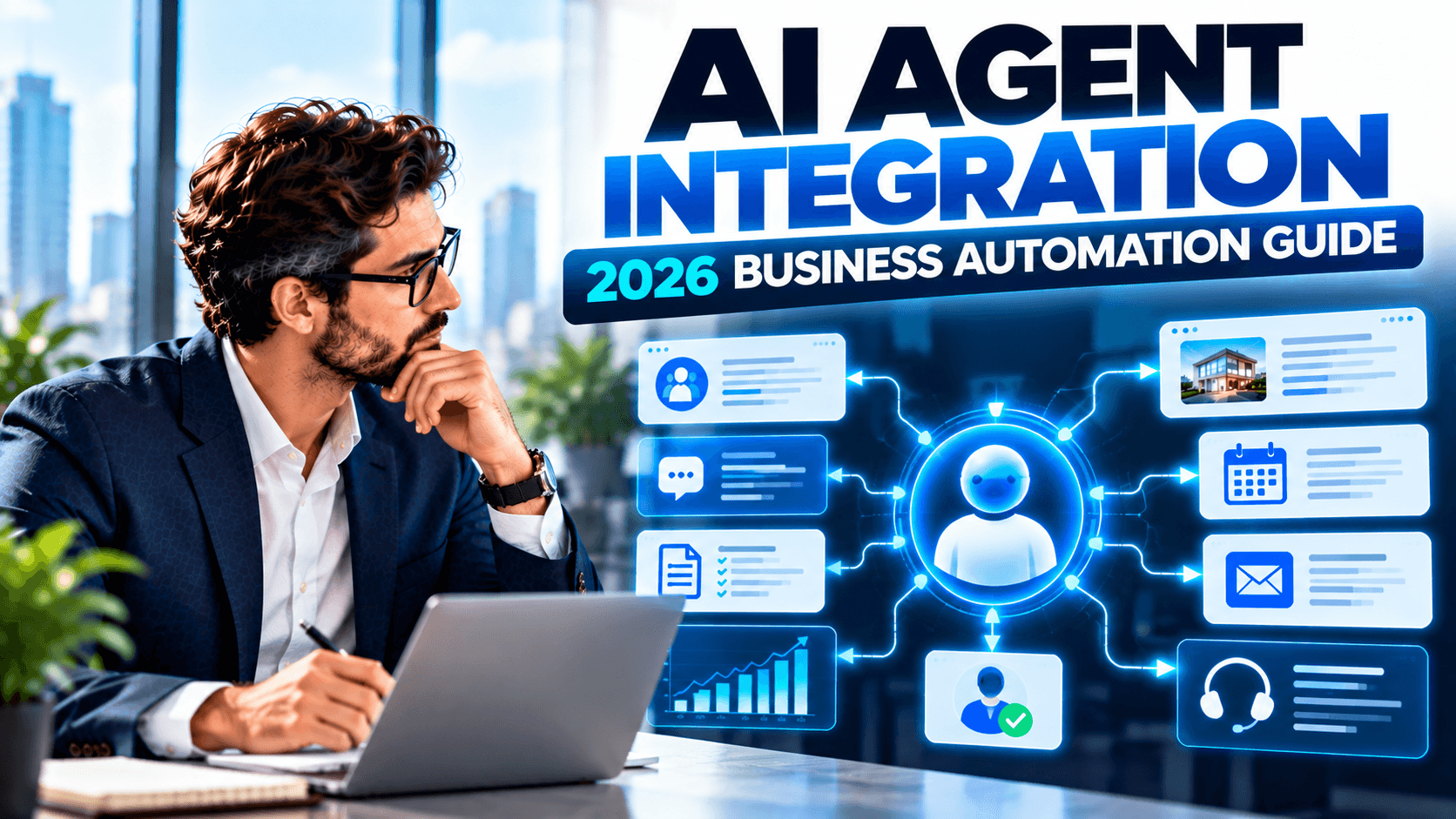
AI agent integration means connecting an AI-powered agent with the software, data and workflows a business already uses.
For example, an agent could potentially connect with:
- CRM systems
- Websites
- Email platforms
- Customer support systems
- Calendars
- Internal databases
- Marketing platforms
- Project management tools
- Business analytics
Instead of operating as an isolated chatbot, the agent becomes part of a broader workflow.
For example:
New Lead → AI Qualifies Lead → CRM Updated → Follow-Up Prepared → Sales Team Notified
The AI is not simply answering a question.
It is participating in a business process.
AI Agents vs Traditional Automation
This distinction is important.
Traditional Automation
Traditional automation usually follows predefined rules.
IF this happens → THEN do this.
For example:
If someone submits a contact form, send an email.
This is predictable and easy to control.
AI Agent
An AI agent can interpret context and potentially determine which actions are necessary.
For example:
Analyze this new lead, identify the customer's needs, check available information, prepare an appropriate response and route the lead to the correct sales representative.
The second workflow requires more reasoning.
That makes AI agents powerful—but also harder to govern.
Why AI Agents Matter in 2026
AI agents are moving from experimentation toward practical business workflows.
Google Cloud's 2026 research identifies agentic workflows as a major development, including systems where multiple agents can coordinate to automate complex processes. blog.google
Gartner similarly identifies AI-first operating models and agentic AI as important directions for enterprises. Gartner
At the same time, recent reporting shows that businesses are discovering a less glamorous but critical issue: AI agents depend heavily on reliable enterprise data. Poor data quality and weak governance can limit agent performance. Business Insider
So the opportunity is real—but successful implementation requires more than simply adding an AI model.
1. Automate Lead Qualification
Sales teams often spend significant time reviewing incoming leads.
An AI agent can assist by analyzing information submitted through:
- Website forms
- Emails
- Chat conversations
- Campaign responses
- CRM records
It can then categorize leads based on predefined business criteria.
For example:
High Priority → Sales Team
Medium Priority → Automated Follow-Up
Low Priority → Nurture Campaign
The important distinction is that the business should define the criteria.
The agent should operate within those boundaries.
2. Improve Customer Support
AI agents can help handle repetitive customer requests.
Examples include:
- Order questions
- Appointment requests
- Product information
- Basic troubleshooting
- Service availability
- Account questions
Google Cloud predicts that AI agents will increasingly support more personalized, concierge-style customer interactions. blog.google
But businesses should not assume that every customer issue should be handled by AI.
Complex complaints, sensitive situations and high-value customers may still require human intervention.
3. Automate Appointment Scheduling
Scheduling is a strong candidate for agent-based automation because the workflow often involves multiple steps.
An agent could potentially:
- Understand the customer's request.
- Check available times.
- Identify an appropriate appointment type.
- Reserve a slot.
- Update the CRM.
- Send confirmation.
- Trigger reminders.
Instead of requiring several separate manual actions, the process can become one coordinated workflow.
4. Connect AI Agents With CRM Systems
One of the biggest opportunities is connecting AI agents with customer data.
A CRM can contain:
- Customer history
- Lead status
- Previous conversations
- Sales activity
- Appointments
- Purchase information
An agent can use that context to assist employees.
For example, before a sales representative contacts a prospect, an AI system could summarize the customer's previous interactions and prepare relevant talking points.
This can reduce preparation time without removing the salesperson from the process.
5. Automate Internal Business Operations
AI agents aren't limited to customer-facing tasks.
They can also support internal workflows such as:
- Document processing
- Data entry
- Report preparation
- Meeting summaries
- Task creation
- Internal research
- Workflow routing
- Employee assistance
Google Cloud's research highlights agentic workflows that coordinate multiple steps rather than simply generating text. blog.google
This is where agentic AI becomes particularly interesting for operations teams.
6. Use Human-in-the-Loop Controls
This is one of the most important parts of AI agent integration.
Businesses should not give an AI agent unlimited authority simply because it can technically perform an action.
Instead, define different permission levels.
Low-Risk Actions
The agent can perform automatically.
Examples:
- Draft an email
- Categorize a lead
- Create an internal task
- Summarize a document
Medium-Risk Actions
The agent prepares the action, but a human approves it.
Examples:
- Sending important customer communications
- Updating sensitive records
- Approving discounts
High-Risk Actions
Human authorization should be required.
Examples:
- Financial transactions
- Deleting important data
- Changing access permissions
- Making legally significant decisions
This approach provides automation without surrendering control.
7. Protect Business Data
AI agents can potentially access multiple business systems.
That creates a new security consideration.
If an agent has access to a CRM, email account, documents and internal databases, the permissions need to be carefully controlled.
Gartner identifies agentic AI as a cybersecurity concern because AI agents create additional attack surfaces and require appropriate oversight. Gartner
Businesses should therefore consider:
- Role-based permissions
- Authentication
- Access controls
- Audit logs
- Data encryption
- Monitoring
- API security
- Permission boundaries
The principle should be simple:
Give the agent only the access it actually needs.
8. Fix Your Data Before Scaling AI
This is where many businesses make a mistake.
They assume:
Better AI model = better business automation.
Not necessarily.
If your customer records are incomplete, duplicated or inconsistent, an AI agent can still produce poor results.
Recent enterprise reporting has highlighted data quality and governance as major barriers to successful agentic AI deployments. Business Insider
Before deploying sophisticated agents, businesses should review:
- Data quality
- Duplicate records
- Missing information
- Data ownership
- Access permissions
- Data structure
- Integration quality
AI is only as useful as the business environment around it.
9. Connect Multiple Business Systems
The real value of AI agents often appears when systems can communicate with each other.
For example:
Website
↓
CRM
↓
AI Agent
↓
Calendar
↓
↓
Sales Team
Instead of isolated automation tools, the business creates an interconnected workflow.
This can reduce manual data transfer between departments.
10. Don't Automate Broken Processes
Another common mistake is automating a bad workflow.
Suppose a business has a complicated five-step lead process that nobody understands.
Adding AI to it doesn't automatically make it better.
First ask:
Why does this workflow exist?
Which steps actually add value?
Which steps are unnecessary?
Where do delays happen?
Where do errors happen?
Then determine where AI can help.
Automation should simplify processes—not hide their problems.
11. Start With One High-Value Workflow
Businesses don't need to build dozens of AI agents immediately.
A better approach is to identify one workflow with:
- High volume
- Repetitive tasks
- Clear rules
- Measurable results
- Low-to-moderate risk
For example:
Website Lead → Qualification → CRM Update → Sales Notification
Measure the results.
Then expand.
This is generally safer than attempting an organization-wide AI transformation overnight.
12. Measure Business Outcomes
AI agent projects should not be judged only by how impressive the technology looks.
Measure actual business results.
Useful metrics include:
Time Saved
How many employee hours are being reduced?
Response Time
How quickly are customers receiving assistance?
Conversion Rate
Are more qualified leads becoming customers?
Cost per Task
Is the workflow actually becoming more efficient?
Error Rate
Are automated processes producing fewer mistakes?
Human Escalations
How often does the system need human intervention?
Revenue Impact
Is the automation contributing to measurable business value?
13. Build an AI Governance Framework
As businesses deploy more agents, governance becomes increasingly important.
A basic governance framework should define:
- What the agent can access
- What actions it can perform
- Which actions require approval
- What information it can use
- How activity is logged
- How errors are handled
- When humans must intervene
This becomes especially important as organizations move from isolated AI tools toward interconnected agentic workflows.
Gartner's 2026 marketing research similarly emphasizes AI-ready data, content and context governance as businesses adapt to agent-driven environments. Gartner
14. AI Agents Will Change Employee Roles
AI agents don't necessarily mean eliminating entire teams.
In many cases, they can change what employees spend their time doing.
Instead of:
Manual Data Entry
Employees can focus on:
Analysis + Strategy + Customer Relationships
Instead of:
Repetitive Customer Responses
Employees can focus on:
Complex Customer Problems
Instead of:
Manual Reporting
Employees can focus on:
Business Decisions
Google Cloud's research describes this shift as employees delegating routine tasks to agents while focusing more on strategic direction. blog.google
AI Agent Integration Roadmap
Businesses can use this simple framework:
Step 1 — Identify
Find repetitive, high-volume workflows.
Step 2 — Evaluate
Determine whether AI is actually appropriate.
Step 3 — Prepare
Clean and organize the required business data.
Step 4 — Integrate
Connect the agent with relevant business systems.
Step 5 — Define Permissions
Determine exactly what the agent can and cannot do.
Step 6 — Test
Run the workflow in a controlled environment.
Step 7 — Monitor
Track errors, performance and human escalations.
Step 8 — Optimize
Improve prompts, workflows, integrations and data.
Step 9 — Scale
Only expand once the initial workflow produces reliable results.
Common AI Agent Mistakes
Giving Agents Too Much Access
More permissions create more potential risk.
Automating Everything
Some decisions require human judgment.
Ignoring Data Quality
Bad information can produce bad actions.
Skipping Monitoring
An autonomous workflow still needs oversight.
Focusing on Technology Instead of ROI
An impressive AI demo isn't necessarily a valuable business system.
Building Too Many Agents Too Quickly
Start small and prove the workflow first.
What Will AI Agent Integration Look Like Next?
The next stage of business automation is likely to involve interconnected agents rather than isolated AI tools.
For example:
Marketing Agent
↓
identifies an opportunity
↓
Sales Agent
qualifies the lead
↓
CRM Agent
updates customer records
↓
Scheduling Agent
books an appointment
↓
Support Agent
continues the customer relationship
The technology is moving toward this kind of coordinated workflow, but the business still needs clear permissions, reliable data and human oversight.
The Role of Professional AI Agent Development
Businesses that want to adopt AI agents can benefit from professional planning and implementation.
An AI agent development strategy may include:
- Workflow analysis
- AI agent architecture
- CRM integration
- API integration
- Customer support automation
- Lead qualification
- Appointment automation
- Internal workflow automation
- Data integration
- Security controls
- Human approval systems
- Performance monitoring
The objective should not simply be to “add AI.”
It should be to create a reliable business workflow that produces measurable value.
Final Thoughts
AI agents represent one of the most important changes in business automation in 2026.
But the biggest opportunity isn't simply giving an AI system the ability to perform tasks.
The real opportunity is connecting AI + data + business systems + human expertise into a controlled workflow.
Businesses that approach agentic AI strategically can automate repetitive processes, improve response times and allow employees to focus on higher-value work.
But businesses that deploy agents without proper permissions, data governance or monitoring can create new operational and security risks.
Start with one workflow. Give the agent limited authority. Measure the results. Improve the system. Then scale.
That's a much stronger path toward practical AI automation in 2026.
Frequently Asked Questions
What is an AI agent?
An AI agent is a software system that can interpret a goal, reason through multiple steps and take actions using connected tools or systems.
How are AI agents different from chatbots?
A chatbot primarily communicates with users. An AI agent can potentially go further by interacting with business systems and performing multi-step tasks.
Can AI agents integrate with CRM systems?
Yes. AI agents can be connected with CRM platforms through APIs and other integrations to assist with lead qualification, customer information, follow-ups and workflow management.
Are AI agents safe for businesses?
They can be useful, but safety depends on permissions, security controls, data quality, monitoring and human oversight.
Should every business use AI agents?
No. Some workflows are better suited to traditional automation or human handling. Businesses should evaluate the workflow and expected ROI before deploying an agent.
What is the best way to start?
Start with one repetitive, measurable and relatively low-risk workflow. Test it, measure the outcome and expand gradually.