Cloud Migration & Modernization in 2026: How Businesses Can Build a More Scalable Digital Infrastructure
Cloud migration in 2026 is about more than moving applications and data to the cloud. Learn how businesses can modernize infrastructure, improve scalability, strengthen security, optimize costs and prepare their technology for future growth.


Businesses increasingly depend on digital infrastructure to operate, serve customers and launch new products.
But many companies are still running applications, databases and internal systems on aging infrastructure that can be expensive and difficult to scale.
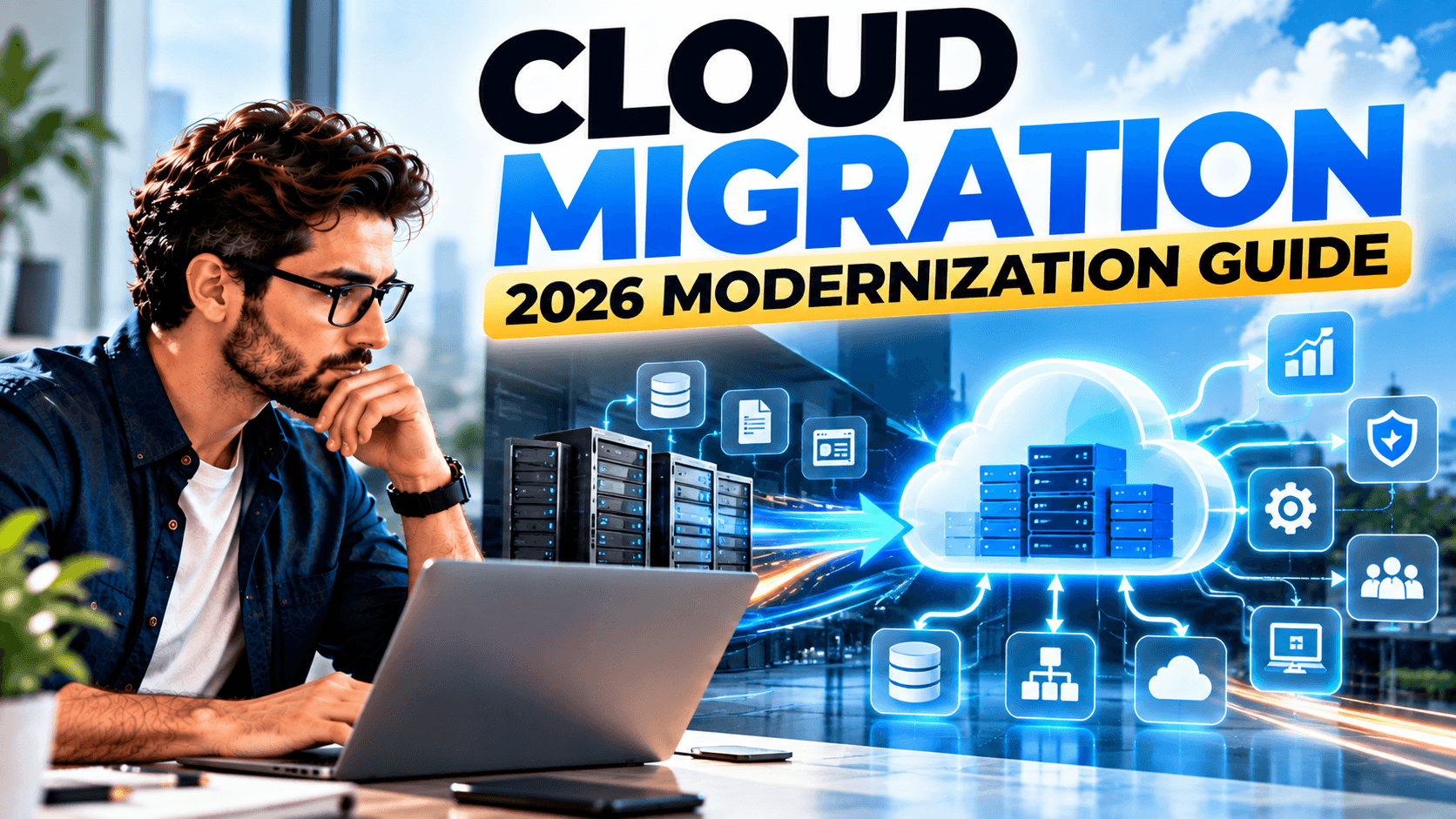
Cloud migration provides a way to move workloads, applications and data to cloud infrastructure, while cloud modernization goes a step further by improving how those systems are designed and operated.
In 2026, the two strategies are increasingly connected.
AWS describes migration and modernization as a way to address technical debt while moving organizations toward more modern applications and infrastructure. Amazon Web Services, Inc.
What Is Cloud Migration?
Cloud migration is the process of moving digital workloads from existing infrastructure into a cloud environment.
This can include:
- Websites
- Applications
- Databases
- File storage
- Business systems
- Backups
- Development environments
- Internal applications
A business might move from physical servers to the cloud, or migrate workloads from one cloud provider to another.
AWS identifies cloud-to-cloud migration, application modernization and database migration among common migration approaches for businesses. Amazon Web Services, Inc.
What Is Cloud Modernization?
Migration and modernization are related, but they are not exactly the same.
Migration: Move an existing workload to a new environment.
Modernization: Improve the architecture, technology and operation of that workload so it works better in a modern environment.
Microsoft describes cloud modernization as improving existing workloads to better meet business needs and recommends assessing readiness, skills and workload priorities before modernization begins. Microsoft Learn
For some businesses, simply moving an old application to the cloud may not solve the underlying problems.
Modernization can provide an opportunity to address those problems.
Why Cloud Migration Matters in 2026
Cloud adoption is increasingly connected with operational efficiency, AI readiness, resilience and modernization.
Microsoft's 2026 cloud research cites operational efficiency as a leading driver for cloud adoption, alongside preparation for AI, performance-intensive applications, resilience and governance requirements. Microsoft
At the same time, AWS's current migration guidance emphasizes business outcomes such as cost savings, staff productivity, operational resilience and business agility. Amazon Web Services, Inc.
This means businesses should not approach cloud migration as simply an IT relocation project.
It should support broader business objectives.
1. Improve Scalability
Traditional infrastructure can require businesses to purchase and maintain enough hardware for expected demand.
Cloud infrastructure can provide more flexible capacity.
For example, an ecommerce company may experience significantly higher traffic during a seasonal campaign.
A properly designed cloud environment can be structured to handle changing workloads more efficiently.
The important point is that cloud does not automatically mean unlimited scalability.
Architecture, configuration and monitoring still matter.
2. Modernize Legacy Applications
Many businesses rely on applications that were built years ago.
These systems may still work, but they can be difficult to:
- Update
- Integrate
- Scale
- Secure
- Maintain
Modernization can involve restructuring applications, updating outdated components or moving toward more cloud-native architectures.
AWS notes that application modernization can improve scalability, application performance, reliability and time to market. Amazon Web Services, Inc.
3. Improve Business Resilience
A business becomes vulnerable when critical systems depend on a single physical location or outdated infrastructure.
Cloud architecture can support strategies such as:
- Automated backups
- Disaster recovery
- Redundant infrastructure
- Geographic distribution
- Monitoring
- Automated recovery
However, businesses should avoid assuming that simply moving to the cloud automatically creates resilience.
A poorly designed cloud environment can still contain single points of failure.
The architecture must be deliberately designed for the required level of availability.
4. Strengthen Security
Security should be considered throughout the migration process—not added after the migration is complete.
Businesses should evaluate:
- Identity management
- Access controls
- Encryption
- Network security
- Backup protection
- Monitoring
- Logging
- Compliance requirements
For regulated industries, the migration process can be particularly complex because security and compliance controls may need to remain active during migration.
AWS's 2026 guidance for regulated workloads emphasizes maintaining security and privacy controls throughout migration, including replication, testing and cutover. Amazon Web Services, Inc.
5. Prepare Infrastructure for AI
One of the biggest reasons cloud modernization is becoming more important is the growth of AI workloads.
Businesses increasingly need infrastructure capable of supporting:
- AI applications
- Data processing
- Machine learning
- Intelligent automation
- AI agents
- Real-time analytics
Modern cloud architecture can make it easier to connect applications, data and AI services.
But businesses should avoid moving everything to the cloud simply because they want to use AI.
The correct approach is to identify the actual business use case first and then design infrastructure around it.
6. Improve Development Speed
Modern cloud environments can help development teams create, test and deploy applications more efficiently.
Instead of manually configuring every environment, teams can use automation and standardized infrastructure.
This can support:
- Faster deployments
- Automated testing
- Continuous integration
- Continuous delivery
- Infrastructure automation
- Development environments on demand
AWS's 2026 migration strategy also highlights the use of AI-driven tools to reduce the time and manual effort involved in modernization. Amazon Web Services, Inc.
7. Control Infrastructure Costs
Cloud migration is sometimes presented as an automatic cost-saving strategy.
That assumption needs to be challenged.
Cloud can reduce certain infrastructure and maintenance costs, but poorly managed cloud environments can also become expensive.
Businesses need to monitor:
- Compute usage
- Storage
- Data transfer
- Database usage
- Idle resources
- Licensing
- Backup costs
- AI workloads
Recent 2026 reporting has highlighted growing concern around cloud spending for AI-heavy workloads, making infrastructure cost management increasingly important. The Financial Express
The goal should therefore be cost optimization, not simply moving expenses from hardware to cloud invoices.
8. Choose the Right Migration Strategy
Not every application should be migrated in the same way.
Businesses can consider different approaches depending on the workload.
Rehost
Move the application with minimal changes.
This can be useful when speed is the priority.
Replatform
Move the workload while making selected improvements.
Refactor
Redesign parts of the application to take advantage of cloud-native capabilities.
Retain
Keep a workload where it is when migration does not currently make business sense.
Retire
Remove applications that are no longer needed.
Replace
Move from an outdated system to a modern alternative.
The correct strategy depends on the application's importance, complexity, cost and future requirements.
9. Start With a Cloud Readiness Assessment
A successful migration begins before anything is moved.
Businesses should first understand:
What do we have?
What depends on what?
What should move first?
What can be retired?
What needs modernization?
What security requirements exist?
What will the migration cost?
This assessment helps prevent organizations from moving unnecessary applications or recreating inefficient infrastructure in a new environment.
10. Plan Migration in Phases
Moving an entire technology environment at once can create unnecessary risk.
A phased approach may be more practical.
For example:
Phase 1 → Assessment
Phase 2 → Pilot workload
Phase 3 → Data migration
Phase 4 → Application migration
Phase 5 → Testing
Phase 6 → Production cutover
Phase 7 → Optimization
Each stage provides an opportunity to identify problems before they affect the entire environment.
Cloud Migration Mistakes Businesses Should Avoid
Moving Everything Without an Assessment
Not every workload belongs in the cloud.
Treating Migration as the Finish Line
Moving an application without improving its architecture can leave technical debt untouched.
Ignoring Security During Migration
Security needs to be built into the migration plan from the beginning.
Failing to Monitor Costs
Cloud resources can grow faster than expected without proper monitoring.
Migrating Without Testing
Applications, integrations and databases should be tested before production cutover.
Forgetting Employees and Processes
Technology changes also affect the people operating and maintaining the systems.
A Practical Cloud Migration Roadmap
Businesses can use a simple framework:
Step 1: Discover
Inventory applications, databases, infrastructure and dependencies.
Step 2: Assess
Evaluate business importance, technical complexity, security and cost.
Step 3: Prioritize
Select which workloads should move first.
Step 4: Plan
Choose the appropriate migration or modernization strategy.
Step 5: Migrate
Move workloads in controlled phases.
Step 6: Test
Validate functionality, performance, security and integrations.
Step 7: Optimize
Review infrastructure costs, performance and architecture after migration.
Step 8: Modernize Continuously
Cloud modernization should not necessarily end after the initial migration.
AWS's current modernization approach increasingly emphasizes continuous modernization rather than treating transformation as a single event. Amazon Web Services, Inc.
Is Cloud Migration Right for Every Business?
Not necessarily.
This is an important point.
Some workloads may benefit significantly from cloud infrastructure, while others may have regulatory, performance, compatibility or cost considerations that make another approach more appropriate.
The objective should not be:
“Move everything to the cloud.”
The objective should be:
“Build the infrastructure that best supports the business.”
That distinction can prevent unnecessary technology spending.
The Role of Professional Cloud Migration Services
A professional cloud migration team can help businesses evaluate their existing infrastructure and create a structured migration strategy.
Services may include:
- Cloud readiness assessment
- Infrastructure assessment
- Application migration
- Database migration
- Cloud architecture
- Application modernization
- Security planning
- Backup and disaster recovery
- Performance optimization
- Cloud cost optimization
- Ongoing cloud management
For businesses without a large internal IT team, professional guidance can help reduce migration complexity and create a more structured path forward.
Final Thoughts
Cloud migration in 2026 is no longer simply about replacing physical servers with cloud infrastructure.
The bigger opportunity is modernization.
Businesses can use migration projects to improve scalability, resilience, security, development processes and infrastructure efficiency while preparing their technology environment for newer workloads such as AI.
But cloud adoption should be driven by business requirements—not technology hype.
Assess first. Migrate strategically. Modernize where it creates value. Optimize continuously.
That is the foundation of a sustainable cloud strategy in 2026.
Frequently Asked Questions
What is cloud migration?
Cloud migration is the process of moving applications, data, systems or workloads from existing infrastructure to a cloud environment.
What is cloud modernization?
Cloud modernization involves improving existing applications or infrastructure so they can operate more efficiently and effectively using modern cloud capabilities.
Is cloud migration expensive?
Costs vary significantly depending on the size, architecture and complexity of the environment. Migration planning should include both migration costs and expected ongoing operating costs.
Does cloud migration improve security?
Cloud migration can provide access to advanced security capabilities, but security still depends on proper architecture, configuration, identity controls, monitoring and operational practices.
Should a small business migrate to the cloud?
Potentially. Small businesses can benefit from cloud infrastructure, but the decision should be based on workload requirements, costs, security and operational needs rather than company size alone.
Does cloud migration prepare a business for AI?
It can. Modern cloud infrastructure can make it easier to access scalable computing, data and AI services, but AI readiness also depends on data architecture, governance, security and application design.