

Website Speed in 2026: Why Page Performance Matters for Business Growth
A slow website can cost businesses customers, leads and conversions. Learn how improving website speed and performance can create a better user experience and support business growth in 2026.
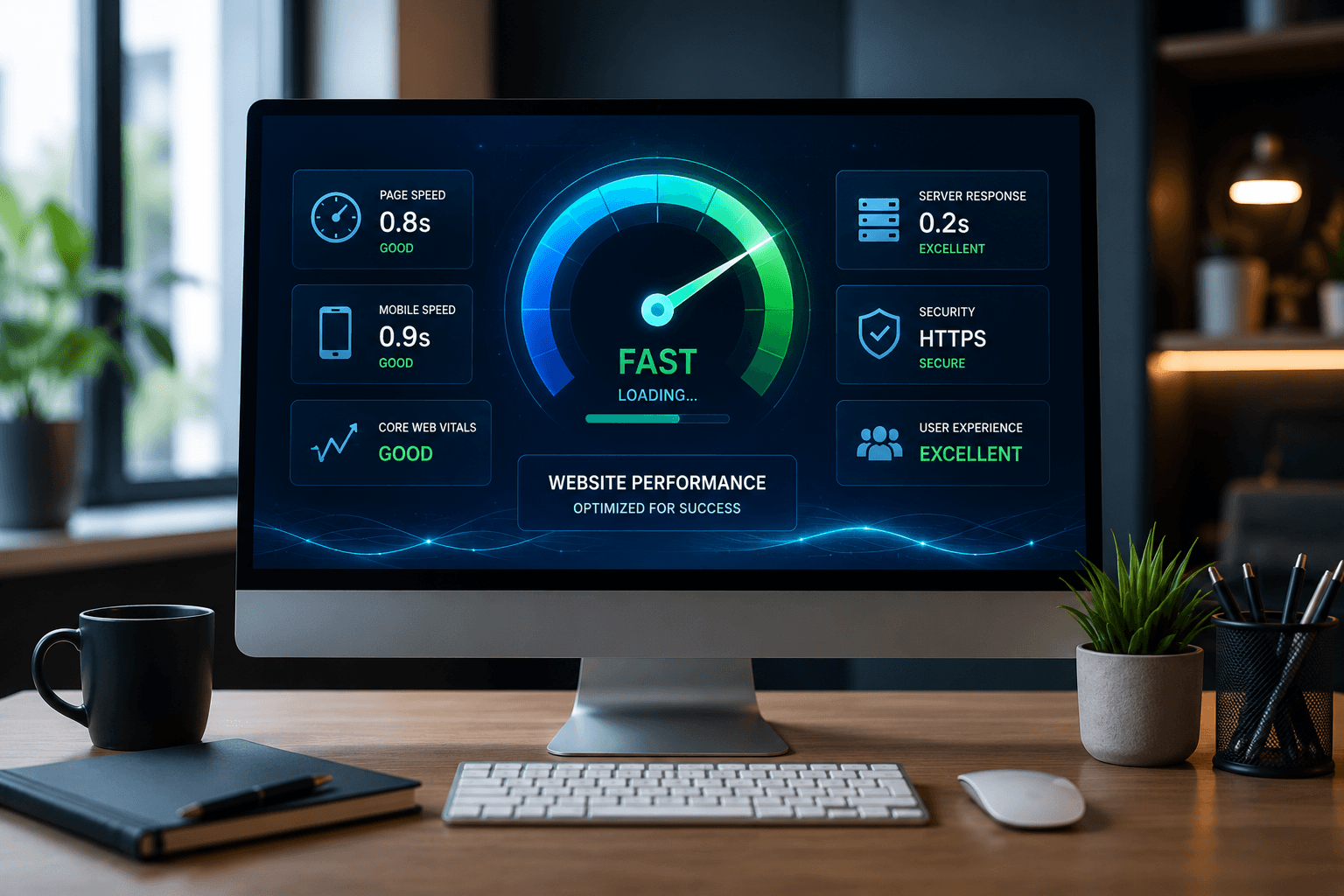

Your website is often the first interaction a potential customer has with your business.
If a page loads quickly, customers can immediately explore your services, products and contact information.
But when a website feels slow, visitors may leave before they ever discover what your business offers.
Website speed is therefore more than a technical issue.
It is an important part of website user experience, SEO and business performance.
In 2026, businesses need websites that are not only visually attractive but also fast, responsive and easy to use across different devices.
At Arrowhead DigiTech, we help businesses build and optimize websites with performance, usability and long-term growth in mind.
What Is Website Speed?
Website speed refers to how quickly a website loads and becomes usable for visitors.
Several factors can affect performance, including:
- Image sizes
- Website code
- Hosting
- JavaScript
- CSS
- Third-party scripts
- Plugins
- Server response time
- Mobile optimization
A website may look excellent but still provide a poor experience if visitors have to wait too long for important content to appear.
Good website performance means users can access the information they need quickly and interact with the website without unnecessary delays.
Why Website Speed Matters for Businesses
A business website has a specific purpose.
It may be designed to:
- Generate leads
- Sell products
- Receive bookings
- Collect enquiries
- Build trust
- Provide information
- Encourage phone calls
If performance problems prevent visitors from reaching these actions, the website may not be achieving its full potential.
A fast website can create a smoother customer journey from the first page visit to the final conversion.
Website Speed and User Experience
Visitors expect websites to respond quickly.
When pages load slowly, customers may become frustrated, especially when browsing on mobile devices or slower connections.
A good user experience should make it easy for visitors to:
- Find information
- Navigate between pages
- Read content
- View images
- Complete forms
- Contact the business
- Make purchases or bookings
Performance is therefore closely connected to usability.
A fast website removes unnecessary friction from the customer journey.
Website Speed and Mobile Users
Mobile devices are an essential part of online browsing.
Customers may visit a business website from:
- Smartphones
- Tablets
- Laptops
- Desktop computers
Mobile users can experience performance issues more noticeably because network conditions and device capabilities can vary.
A website should therefore be designed and tested for different screen sizes and connection conditions.
Responsive design alone is not enough.
The website should also deliver content efficiently.
Website Speed and SEO
Website performance can also be relevant to search visibility.
Search engines aim to provide users with useful results and good experiences.
Technical website quality, mobile usability and page experience are therefore important considerations when optimizing a website.
This does not mean that simply making a website faster guarantees higher rankings.
SEO involves many factors, including content quality, relevance, technical structure, authority and search intent.
However, improving website performance can support a stronger overall SEO foundation.
What Are Core Web Vitals?
Core Web Vitals are performance measurements used to evaluate important aspects of a website experience.
They focus on areas such as:
- Loading performance
- Responsiveness
- Visual stability
These measurements help developers understand how users experience a webpage.
Businesses should not focus only on achieving a perfect score.
The larger goal is to create a website that loads efficiently, responds smoothly and remains stable while users interact with it.
Common Reasons Websites Become Slow
Large Images
High-resolution images can significantly increase page size.
Businesses often upload images directly from cameras or design software without properly optimizing them for the web.
Images should be appropriately sized and compressed while maintaining acceptable visual quality.
Too Many Scripts
Websites can use scripts for:
- Analytics
- Advertising
- Chat
- Tracking
- Social media
- Forms
- Other third-party services
Each additional script can potentially affect performance.
Businesses should regularly review which scripts are actually necessary.
Poor Hosting
Website hosting affects how quickly a server can respond to requests.
A website experiencing slow server response times may need better hosting or infrastructure.
Excessive Plugins
Some website platforms rely heavily on plugins.
While plugins can add useful functionality, too many unnecessary plugins can increase complexity and potentially affect performance.
Unoptimized Code
Poorly structured or unnecessary code can make a website more difficult for browsers to process efficiently.
Developers should regularly review website code and remove unnecessary elements where possible.
How to Improve Website Performance
Optimize Images
Use appropriately sized images and modern formats where suitable.
Images should be optimized before being delivered to visitors.
Reduce Unnecessary Code
Remove unused CSS, JavaScript and other unnecessary resources where practical.
A cleaner website can be easier to maintain and optimize.
Improve Server Response
Businesses should evaluate their hosting environment and server response times.
For websites with significant traffic, infrastructure may need to scale as demand increases.
Use Caching
Caching can reduce the amount of work required to deliver frequently requested content.
This can help improve performance for returning visitors and repeated requests.
Minimize Third-Party Scripts
Review analytics, advertising, chat and other external scripts regularly.
If a script is no longer necessary, removing it can simplify the website and reduce potential performance overhead.
Optimize Fonts
Large numbers of font files and font variations can add unnecessary page weight.
Businesses should use only the fonts and weights actually required by the design.
Website Design and Performance Should Work Together
A common mistake is treating design and performance as separate priorities.
A website does not need to choose between looking professional and loading efficiently.
Good web development combines both.
For example, a business can use:
- High-quality photography
- Strong typography
- Professional layouts
- Animations
- Interactive elements
while still keeping performance under control.
The key is using these elements strategically instead of adding unnecessary visual effects.
Website Speed and Conversions
Website visitors usually have a specific goal.
They may want to:
- Request a quote
- Book a service
- Buy a product
- Call the business
- Submit a form
- Learn about a service
A slow or confusing website can interrupt this process.
Performance improvements should therefore be considered alongside conversion optimization.
A fast website with clear calls to action can create a smoother path from visitor to customer.
How to Measure Website Performance
Businesses should not rely only on how fast a website feels on one computer.
Performance should be tested using appropriate tools and different conditions.
Businesses can evaluate:
- Loading performance
- Mobile performance
- Desktop performance
- Server response
- Core Web Vitals
- Page size
- JavaScript usage
- Image optimization
Testing should be performed regularly because websites change over time.
Adding a new plugin, tracking script, feature or large image can affect performance.
Don't Optimize Only the Homepage
The homepage often receives the most attention, but other pages can be equally important.
Businesses should review:
- Service pages
- Product pages
- Landing pages
- Blog posts
- Contact pages
- Booking pages
A customer may arrive through a Google search directly on a service page rather than the homepage.
Every important landing page should therefore provide a good experience.
Website Performance for Different Business Types
Different businesses have different performance requirements.
E-Commerce Businesses
Online stores need product pages, images, filters and checkout systems to work efficiently.
Service Businesses
Service companies should make it easy for visitors to understand services and submit enquiries.
Travel Businesses
Travel websites may contain large images, booking functionality and destination information, making performance especially important.
Professional Services
Law firms, agencies, consultants and other professional businesses need fast websites that communicate trust and make contacting the company easy.
The best performance strategy depends on how the website is actually used.
Common Website Speed Mistakes
Focusing Only on Visual Design
A beautiful website is not effective if customers struggle to use it.
Uploading Huge Images
Large images can unnecessarily increase page size.
Installing Too Many Plugins
Every additional plugin can add complexity.
Ignoring Mobile Performance
A website that performs well on a powerful desktop may perform differently on a mobile device.
Never Testing After Updates
Website performance can change whenever new features or integrations are added.
Chasing a Perfect Score
Performance scores are useful measurements, but real user experience should remain the primary goal.
A Practical Website Performance Checklist
Businesses can start with a simple checklist:
1. Test the website
Identify the pages and resources causing performance problems.
2. Optimize images
Resize and compress large visual assets.
3. Review scripts
Remove unnecessary third-party services.
4. Review hosting
Check whether the current infrastructure can support the website.
5. Improve mobile performance
Test important pages on mobile devices.
6. Review Core Web Vitals
Identify opportunities to improve loading, responsiveness and visual stability.
7. Monitor regularly
Continue testing after major website changes.
How Arrowhead DigiTech Can Help
At Arrowhead DigiTech, we help businesses build websites that combine professional design with performance and usability.
Our services include:
Website Development
We develop modern business websites designed around customer needs and business objectives.
Website Performance Optimization
We identify technical and design factors that may be slowing down important pages.
SEO Optimization
We optimize website structure, content and technical elements to support search visibility.
Mobile Optimization
We ensure websites provide a strong experience across different screen sizes.
Landing Page Development
We create focused pages designed around specific services, campaigns and customer actions.
Website Maintenance
Regular maintenance helps businesses keep their websites updated, secure and performing properly.
Custom Web Solutions
We develop websites and digital systems based on specific business requirements instead of relying on one-size-fits-all solutions.
Our goal is not simply to make a website look good.
Our goal is to make it work well for the business and its customers.
A Simple Website Performance Roadmap
Businesses can improve performance through five stages.
Stage One: Audit
Identify performance issues across important pages.
Stage Two: Prioritize
Focus on problems that have the greatest impact on users.
Stage Three: Optimize
Improve images, code, hosting and other technical elements.
Stage Four: Test
Check performance across mobile and desktop environments.
Stage Five: Monitor
Continue reviewing performance as the website evolves.
This approach allows businesses to improve their websites without unnecessarily rebuilding everything.
Final Thoughts
Website speed is an important part of modern digital marketing.
A fast website can make it easier for customers to find information, navigate services and complete important actions.
Performance also supports a stronger foundation for SEO, mobile usability and conversion optimization.
Businesses should therefore think about website speed from the beginning of the development process rather than treating it as an afterthought.
The best website is not simply the one that looks impressive.
It is the one that looks professional, loads efficiently and helps customers take action.
Arrowhead DigiTech helps businesses develop and optimize websites that are designed for performance, usability and long-term growth.
Frequently Asked Questions
Why is website speed important for businesses?
Website speed affects how quickly visitors can access information and interact with a website. Better performance can support user experience, conversions and overall website usability.
Does website speed affect SEO?
Website performance is one part of a broader SEO and page-experience strategy. It does not guarantee rankings, but maintaining a technically healthy website can support SEO efforts.
What makes a website slow?
Common causes include large images, excessive scripts, poor hosting, unnecessary plugins, inefficient code and unoptimized third-party integrations.
How can I make my business website faster?
Start by testing the website, optimizing images, reviewing scripts, improving hosting where necessary and addressing technical performance issues.
Should I optimize my website for mobile?
Yes. Businesses should ensure that important pages work efficiently and provide a good experience across mobile devices as well as desktop computers.
How often should website performance be checked?
Performance should be reviewed regularly, especially after adding new features, plugins, integrations or major design changes.
Can Arrowhead DigiTech optimize my website?
Yes. Arrowhead DigiTech provides website development, performance optimization, SEO, mobile optimization, landing page development and ongoing website maintenance.
This article provides general website development and digital marketing information and should not be treated as a guarantee of specific SEO rankings or business results.