Website Accessibility in 2026: Why Every Business Website Should Be Inclusive
A professional website should be easy for everyone to use. Learn how website accessibility can improve usability, create more inclusive digital experiences and help businesses build better websites in 2026.
A business website should do more than look professional.
It should be easy to understand, navigate and use.
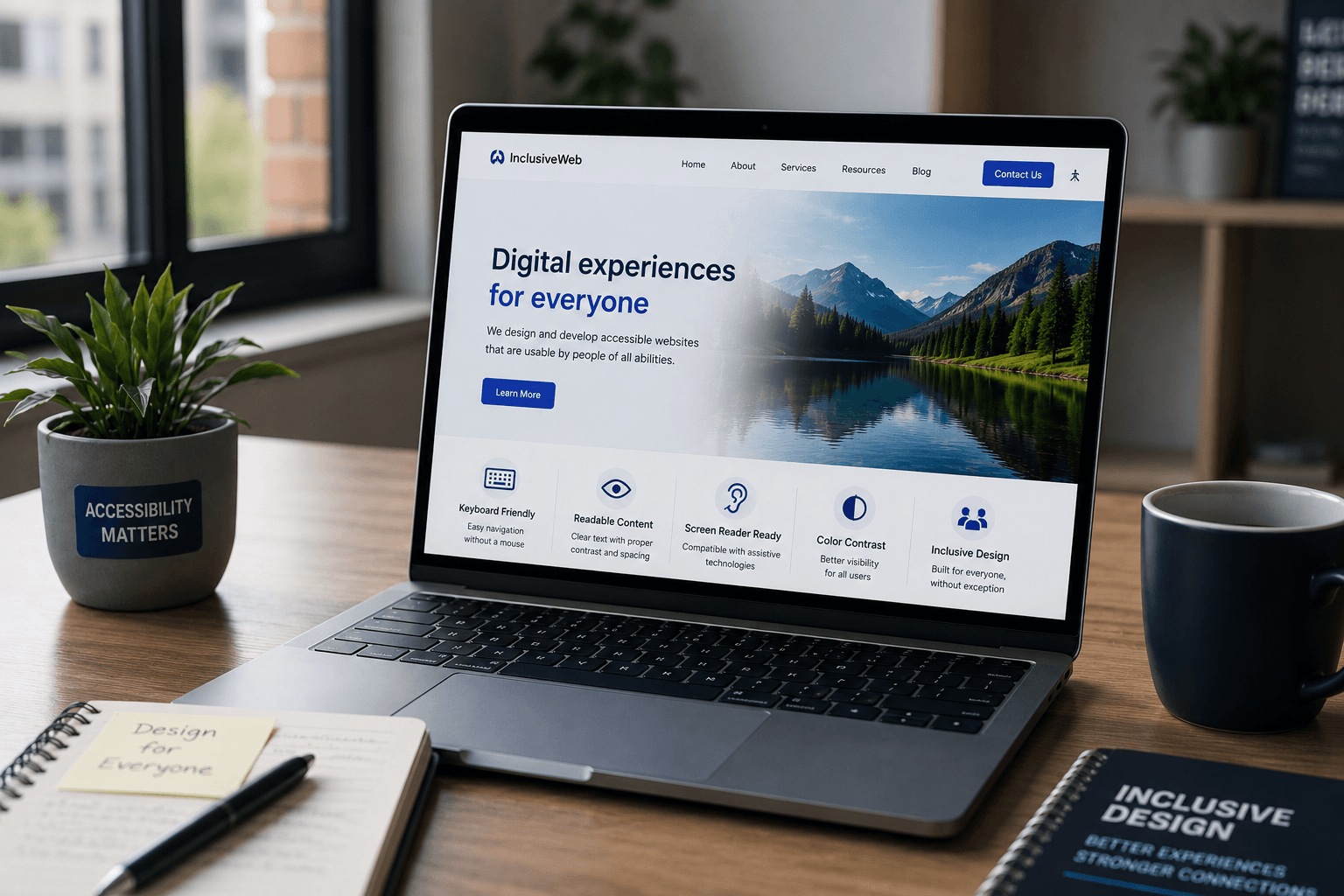
Customers access websites in different ways. Some use mobile devices, some rely on keyboards instead of a mouse, and others use assistive technologies such as screen readers.
If a website is difficult to navigate or understand, some visitors may struggle to access important information or complete basic actions.
This is why website accessibility for businesses is becoming an increasingly important part of modern web development.
Accessibility is not simply about adding a few technical features.
It is about creating a better digital experience for as many people as possible.
At Arrowhead DigiTech, we believe professional websites should combine strong design, usability, performance and accessibility.
What Is Website Accessibility?
Website accessibility means designing and developing websites so that people with different abilities can access and use them effectively.
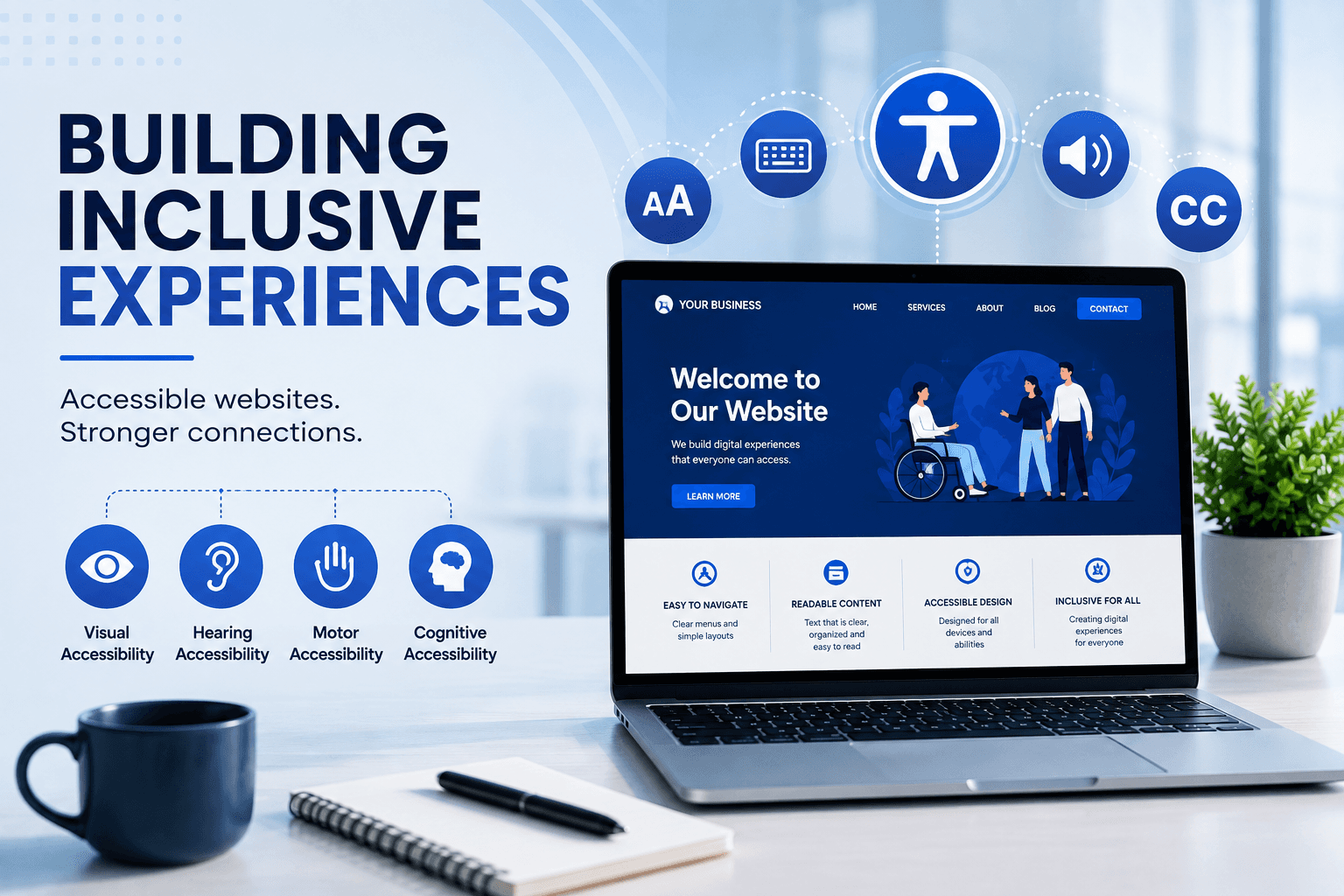
An accessible website considers areas such as:
- Navigation
- Text readability
- Color contrast
- Images
- Forms
- Buttons
- Videos
- Keyboard interaction
- Screen-reader compatibility
The goal is simple:
People should be able to understand and interact with your website without unnecessary barriers.
Why Website Accessibility Matters for Businesses
Businesses invest significant time and money into creating websites.
But attracting visitors is only part of the process.
Those visitors also need to be able to use the website.
An accessible website can make it easier for users to:
- Find information
- Understand services
- Navigate pages
- Complete forms
- Contact a business
- Make purchases
- Request appointments
- Access important content
Improving accessibility can therefore improve the overall usability of a website.
Accessibility Is Not Only About Disabilities
Accessibility features can benefit many different users.
For example:
Clear navigation helps people who are unfamiliar with a website.
Readable text helps users browsing on small screens.
Captions help people watching videos in noisy environments.
Keyboard navigation can be useful for users who cannot comfortably operate a mouse.
Good color contrast can make content easier to read in bright environments.
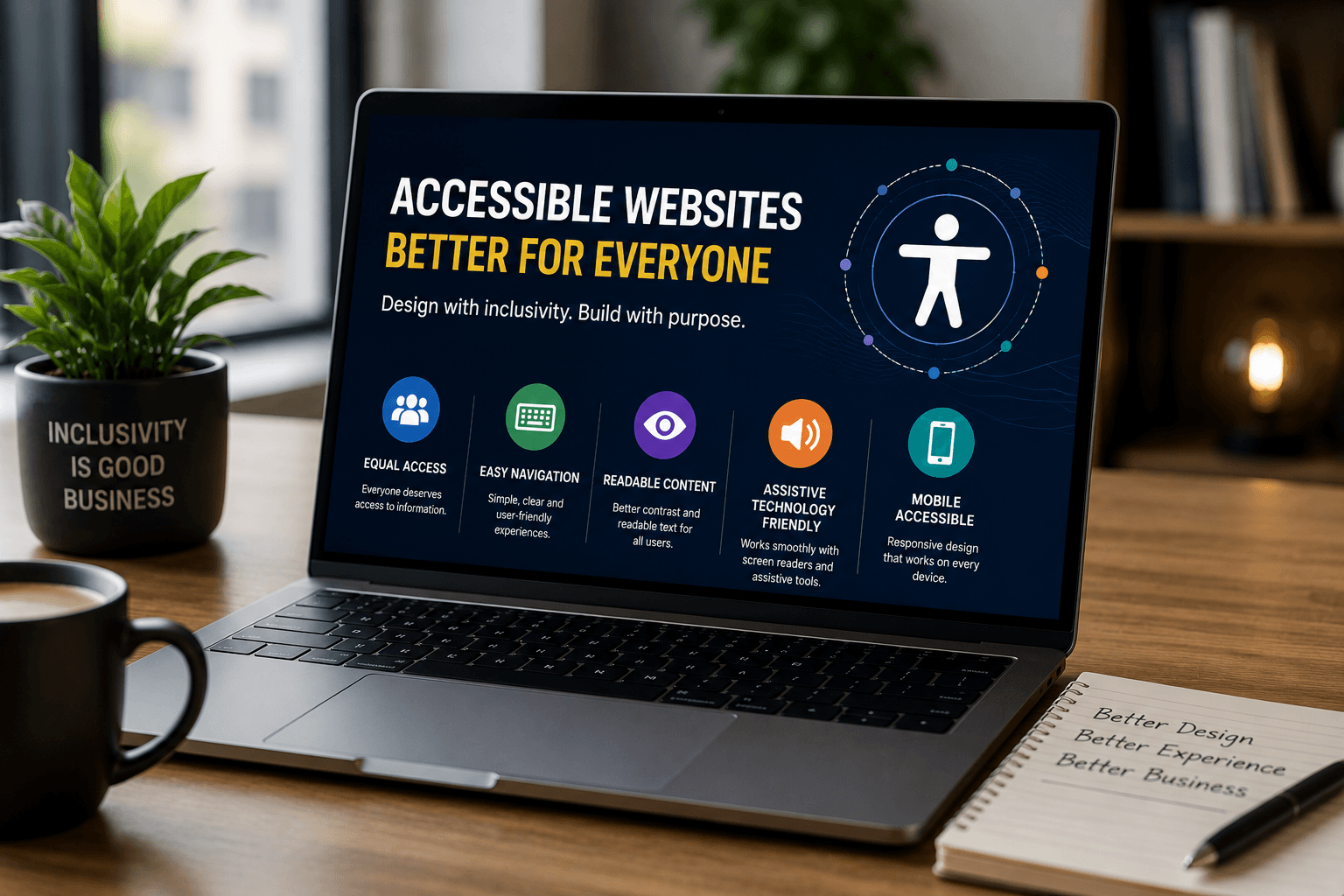
Accessibility improvements often make websites better for everyone.
Use Clear and Simple Navigation
Visitors should not have to struggle to find important pages.
A business website should provide clear navigation to areas such as:
- Services
- Products
- About
- Contact
- Locations
- Blog
- Booking or enquiry pages
Navigation labels should be understandable and consistent.
If users cannot figure out where they need to go, even a visually impressive website can become frustrating.
Make Text Easy to Read
Typography plays an important role in accessibility.
Businesses should consider:
- Font size
- Line spacing
- Text contrast
- Paragraph length
- Heading hierarchy
- Readability
Large blocks of text can be difficult to scan.
Using clear headings, short paragraphs and logical sections can make content easier to understand.
This is especially important on mobile devices.
Color Contrast Matters
A website may use beautiful colors as part of its brand identity.
However, design choices should not make important content difficult to read.
For example, light gray text on a white background may look subtle but can be difficult for some users to read.
Businesses should maintain sufficient contrast between text and its background.
Good design should balance branding with usability.
Don't Depend Only on Color
Color should not be the only way important information is communicated.
For example, a form should not indicate an error only by changing a field from black to red.
Additional indicators such as:
- Error messages
- Icons
- Labels
- Helpful instructions
can provide additional context.
This makes information easier to understand for a wider range of users.
Make Images More Accessible
Images can communicate important information, but users who cannot see them may rely on alternative text.
Useful alt text should describe the meaningful purpose of an image when appropriate.
For example, instead of:
image123.jpg
a meaningful description could explain what the image represents.
However, decorative images do not always need descriptive alt text.
The purpose is to provide useful information rather than adding unnecessary descriptions.
Make Forms Easy to Complete
Forms are often one of the most important parts of a business website.
Customers may use forms to:
- Request quotes
- Book appointments
- Contact sales
- Ask questions
- Submit applications
- Request information
Forms should clearly identify each field.
Users should understand:
- What information is required
- What each field means
- What went wrong when an error occurs
- How to correct the problem
A confusing form can cause potential customers to abandon the process.
Support Keyboard Navigation
Not every visitor uses a mouse.
Some users navigate websites primarily with a keyboard.
Important website elements should therefore be reachable and usable through keyboard interaction where appropriate.
This includes:
- Menus
- Buttons
- Links
- Forms
- Interactive elements
Users should also be able to understand where they currently are while navigating.
Make Buttons and Links Clear
Buttons should clearly communicate what will happen when a user selects them.
Instead of vague labels such as:
Click Here
businesses can use descriptive actions such as:
Request a Quote
Book an Appointment
View Services
Contact Our Team
Clear labels help users understand the next step.
Make Videos More Accessible
Video has become an important part of digital marketing.
Businesses use videos for:
- Product demonstrations
- Tutorials
- Advertising
- Company introductions
- Customer education
Videos can become more accessible by providing appropriate features such as captions.
Captions can help users who cannot hear the audio and also benefit people watching videos in environments where sound is unavailable.
Accessibility and Mobile Design
Accessibility and mobile usability often overlap.
Mobile users benefit from:
- Large enough touch targets
- Clear navigation
- Readable text
- Simple forms
- Responsive layouts
- Good contrast
A website should adapt to different screen sizes without making important information difficult to access.
Accessibility and SEO
Accessibility and SEO are different disciplines, but they can overlap in useful ways.
For example, clear headings, descriptive links, meaningful image information and well-structured content can benefit both users and search engines.
However, businesses should not treat accessibility as an SEO trick.
The primary purpose should always be creating a better experience for users.
What Is WCAG?
WCAG stands for Web Content Accessibility Guidelines.
These guidelines provide recommendations for making digital content more accessible.
They cover areas such as:
- Perceivable content
- Operable interfaces
- Understandable information
- Robust technology
Businesses can use accessibility guidelines as a framework for identifying potential usability barriers.
Accessibility requirements can vary depending on the business, location, industry and applicable regulations, so organisations should seek qualified legal or accessibility advice when compliance obligations apply.
Common Website Accessibility Mistakes
Poor Color Contrast
Text that blends into the background can make important information difficult to read.
Missing Image Descriptions
Important images may not provide meaningful alternative information.
Unclear Forms
Visitors may not understand which fields are required or how to fix errors.
Inconsistent Navigation
Menus that change between pages can make websites harder to use.
Tiny Text
Small typography can create unnecessary reading difficulties, especially on mobile devices.
Unclear Links
Generic link labels can make it difficult for users to understand where a link leads.
Accessibility Added Too Late
Accessibility is easier to consider during website planning and development than after the entire website has already been built.
How to Make a Business Website More Accessible
Businesses can start with a practical process.
Step 1: Review the Existing Website
Identify areas where visitors may experience difficulties.
Step 2: Check Navigation
Make sure important pages and interactive elements are easy to find and use.
Step 3: Review Typography
Check text size, spacing, hierarchy and contrast.
Step 4: Improve Forms
Make labels, instructions and error messages clear.
Step 5: Review Images and Videos
Make important visual and video content more accessible.
Step 6: Test Different Interaction Methods
Consider keyboard navigation, mobile devices and assistive technologies where appropriate.
Step 7: Continue Improving
Accessibility should be part of ongoing website maintenance rather than a one-time task.
Accessibility Should Be Part of Website Design From the Beginning
One of the easiest ways to improve accessibility is to consider it before development begins.
When accessibility is included during planning, designers and developers can make better decisions about:
- Layout
- Navigation
- Typography
- Color
- Forms
- Content
- Interactive elements
This is usually more efficient than trying to correct accessibility problems after a website has already been completed.
How Arrowhead DigiTech Can Help
At Arrowhead DigiTech, we build websites around real business requirements while considering usability, performance and accessibility.
Our services include:
Website Development
We create modern websites designed around business goals and customer needs.
Responsive Web Design
We build websites that adapt to different screen sizes and devices.
UI/UX Optimization
We improve layouts, navigation and user journeys to make websites easier to use.
Website Performance
We optimize websites to provide efficient and responsive experiences.
SEO-Friendly Development
We structure websites with search visibility, content organization and technical SEO in mind.
Website Maintenance
We help businesses keep their websites updated and continuously improve their digital experience.
Our goal is to create websites that are not only visually impressive but also usable, accessible and effective.
A Simple Accessibility Roadmap
Businesses can approach accessibility through five stages:
Stage One: Review
Identify potential usability and accessibility barriers.
Stage Two: Prioritize
Focus on problems that have the greatest effect on visitors.
Stage Three: Improve
Update design, content and technical elements.
Stage Four: Test
Evaluate the website across different devices and interaction methods.
Stage Five: Maintain
Continue reviewing accessibility as the website changes.
Final Thoughts
A professional website should be designed for real people, not simply search engines or screenshots.
Website accessibility helps businesses create digital experiences that more people can understand and use.
Clear navigation, readable content, accessible forms, meaningful images, keyboard support and responsive design can all contribute to a better website experience.
Accessibility should not be treated as an optional design feature.
It should be considered as part of the overall website development process.
For businesses investing in their digital presence in 2026, building an accessible website can help create a stronger, more inclusive and more user-friendly online experience.
A better website is one that more people can use.
Arrowhead DigiTech helps businesses design and develop modern websites focused on usability, performance, SEO and long-term digital growth.
Frequently Asked Questions
What is website accessibility?
Website accessibility means designing and developing websites so that people with different abilities can access and use digital content and features.
Why is accessibility important for business websites?
Accessibility can make websites easier to use, help more visitors access important information and create a more inclusive customer experience.
Does website accessibility help SEO?
Some accessibility practices overlap with good SEO and website structure, but accessibility and SEO have different primary goals.
What is WCAG?
WCAG, or Web Content Accessibility Guidelines, provides recommendations for making web content and digital interfaces more accessible.
Should accessibility be considered during website development?
Yes. Considering accessibility during planning and development can make it easier to create an inclusive website from the beginning.
Can an existing website be made more accessible?
Yes. Existing websites can be reviewed and improved by addressing navigation, typography, contrast, forms, images, keyboard interaction and other accessibility considerations.
Can Arrowhead DigiTech help improve website accessibility?
Arrowhead DigiTech provides website development, responsive design, UI/UX optimization, performance optimization, SEO-friendly development and ongoing website maintenance.
This article provides general information about website accessibility and does not constitute legal or compliance advice. Accessibility and legal requirements can vary by jurisdiction, industry and business, so organisations should obtain appropriate professional advice where necessary.