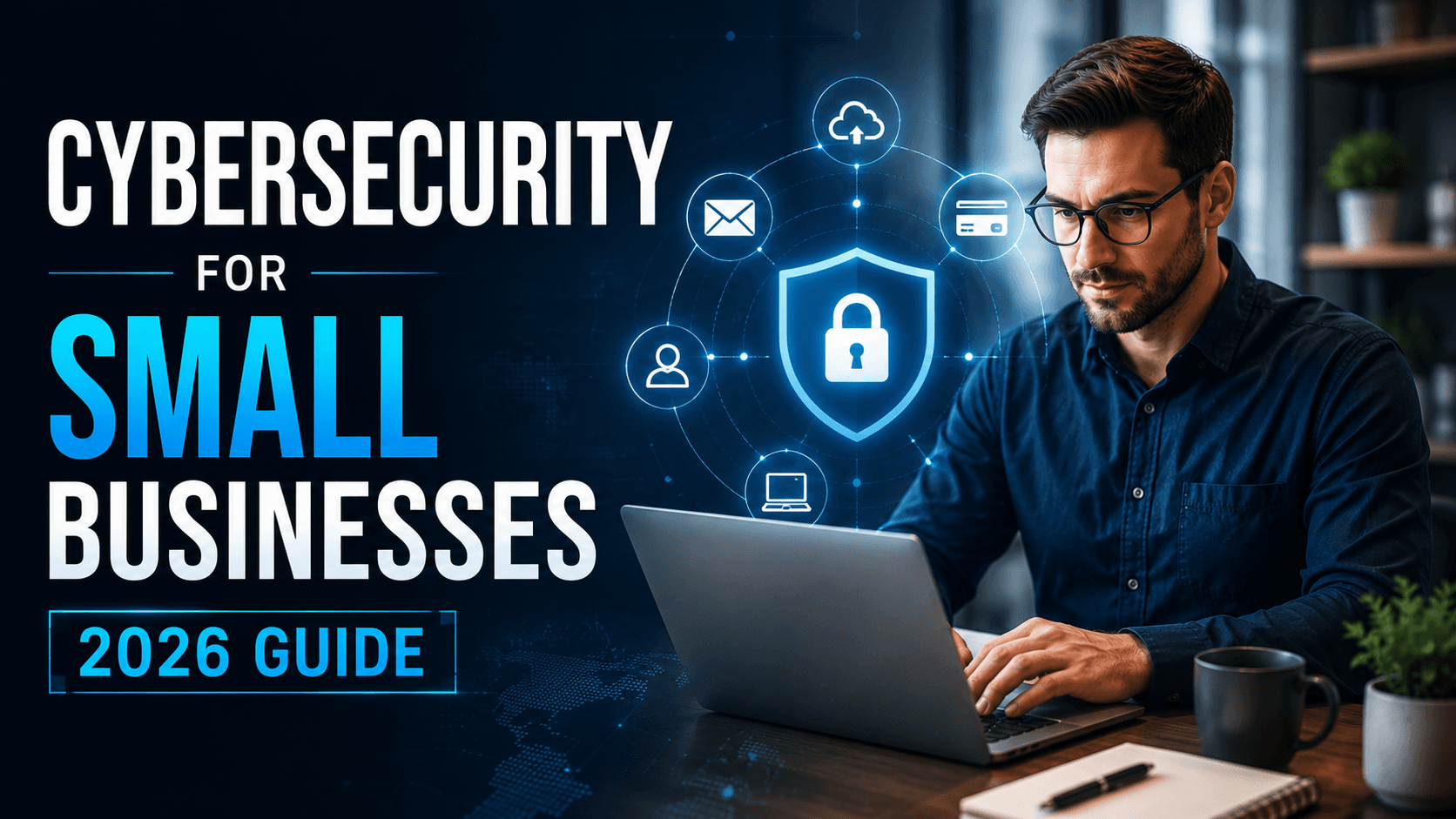
Cybersecurity for Small Businesses in 2026: A Practical Guide to Protecting Your Business
Learn how small businesses can strengthen cybersecurity in 2026 by protecting business accounts, customer data, websites and digital systems from common security risks.
Cybersecurity is no longer a concern only for large corporations.
Small businesses are increasingly dependent on websites, cloud applications, email, payment systems, customer databases and online communication. This creates new opportunities for growth, but it also creates more ways for sensitive information to be exposed.
A business may have only a few employees but still manage customer information, financial records, passwords, payment information and confidential documents.
A single security incident can disrupt operations, damage customer trust and create significant financial consequences.
This is why cybersecurity for small businesses has become an important business priority in 2026.
At Arrowhead DigiTech, we help businesses strengthen their digital environments through secure technology solutions, website protection, business systems and practical cybersecurity-focused processes.
What Is Cybersecurity for Small Businesses?
Cybersecurity is the process of protecting business systems, networks, devices, applications and information from unauthorised access, attacks, damage or misuse.
For a small business, cybersecurity can include:
Protecting business email
Securing websites
Managing employee access
Protecting customer information
Securing cloud applications
Using strong authentication
Monitoring suspicious activity
Maintaining backups
Training employees
Cybersecurity is not a single product.
It is a combination of technology, policies, employee awareness and ongoing monitoring.
Why Small Businesses Need Cybersecurity in 2026
Many small businesses assume that attackers are mainly interested in large companies.
This can create a dangerous false sense of security.
Small businesses often use multiple online services without having dedicated security teams. Employees may use cloud storage, email platforms, CRM systems, accounting software, websites and third-party applications every day.
If one account becomes compromised, attackers may potentially gain access to other business resources.
Common security weaknesses include:
Weak passwords
Reused passwords
Unprotected accounts
Outdated software
Poor access controls
Unsecured websites
Phishing emails
Missing backups
Unnecessary administrator access
Untrained employees
The goal of cybersecurity is to reduce these weaknesses before they become serious problems.
The Most Common Cybersecurity Risks for Small Businesses
1. Phishing Attacks
Phishing remains one of the most common ways attackers attempt to gain access to business accounts.
An employee may receive an email that appears to come from:
A manager
A customer
A bank
A software provider
A delivery company
A business partner
The message may encourage the employee to click a link, open an attachment or provide login information.
Employee awareness is therefore an important part of cybersecurity.
2. Weak or Reused Passwords
Using the same password across multiple platforms can increase business risk.
If one service is compromised, attackers may attempt to use the same credentials elsewhere.
Businesses should encourage employees to use strong, unique passwords and consider password-management solutions where appropriate.
3. Stolen Accounts
A compromised email or administrator account can provide access to important business information.
Attackers may use stolen accounts to:
Read confidential messages
Send fraudulent emails
Reset passwords
Access cloud applications
Contact customers
Attempt financial fraud
Protecting important accounts should therefore be a priority.
4. Malware
Malware is malicious software designed to damage systems, steal information or gain unauthorised access.
It can enter a business environment through:
Malicious attachments
Unsafe downloads
Compromised websites
Untrusted applications
Infected devices
Businesses should use appropriate security software and maintain updated systems.
5. Ransomware
Ransomware can prevent organisations from accessing their files or systems and may demand payment in exchange for restoring access.
Small businesses should prepare for the possibility of system disruption by maintaining reliable backups and having a recovery process.
A backup is most useful when the business can actually restore its data from it.
Protect Business Email
Email is one of the most important systems in a modern business.
Employees use email to communicate with customers, suppliers, partners and internal teams.
A compromised email account can therefore become a major security problem.
Businesses should consider:
Strong passwords
Multi-factor authentication
Access controls
Suspicious-login monitoring
Employee phishing awareness
Secure email configuration
Regular account reviews
Employees should also be trained to identify unexpected requests for passwords, payments, attachments or sensitive information.
Use Multi-Factor Authentication
Passwords alone may not provide sufficient protection for important accounts.
Multi-factor authentication adds another verification step when a user signs in.
Depending on the system, this may involve:
An authentication application
A security key
A verification code
Another approved authentication method
Businesses should prioritise stronger authentication for accounts that provide access to important systems, customer data or administrative controls.
Keep Software and Websites Updated
Outdated software can contain known security weaknesses.
Businesses may rely on:
Website platforms
Plugins
CRM systems
Operating systems
Cloud applications
Business software
These systems should be regularly reviewed and updated according to the provider's security recommendations.
For websites, outdated plugins and components can create unnecessary security risks.
A website should therefore be treated as an important business system rather than simply an online brochure.
Control Employee Access
Not every employee needs access to every business system.
A basic security principle is to provide users with the access they need to perform their responsibilities and avoid unnecessary privileges.
For example:
A marketing employee may need access to social-media platforms.
A salesperson may need CRM access.
An administrator may need broader system permissions.
Giving every employee administrator-level access can increase the potential impact of a compromised account.
Businesses should regularly review who has access to important systems.
Protect Customer Data
Businesses often collect more information than they realise.
Depending on the industry, this may include:
Names
Email addresses
Phone numbers
Addresses
Customer communications
Payment-related information
Business documents
Account information
Companies should understand what information they collect, where it is stored and who can access it.
Sensitive information should not be unnecessarily copied across multiple systems.
The fewer places sensitive information exists, the easier it can be to manage.
Secure Cloud Applications
Cloud services are now an essential part of many small businesses.
Companies may use cloud platforms for:
Email
File storage
CRM
Accounting
Project management
Communication
Marketing
Moving data to the cloud does not eliminate security responsibilities.
Businesses still need to manage:
User permissions
Authentication
Sharing settings
Connected applications
Administrator accounts
Data retention
A cloud account with poor access controls can still become a security weakness.
Backups Are Part of Cybersecurity
A good backup strategy can help businesses recover from accidental deletion, hardware failure or certain cyber incidents.
Important business information should be backed up appropriately and backups should be tested.
Businesses should know:
What information is backed up
How frequently backups occur
Where backups are stored
Who can access them
How data can be restored
Simply having a backup service does not guarantee that recovery will work when it is needed.
Train Employees
Technology alone cannot solve every cybersecurity problem.
Employees interact with emails, websites, customers, documents and business systems every day.
They should understand how to recognise:
Suspicious emails
Fake login pages
Unexpected attachments
Unusual payment requests
Social-engineering attempts
Suspicious links
Unauthorised access requests
Training does not need to be complicated.
Regular, practical guidance can help employees recognise common threats and know what to do when something appears suspicious.
Create a Cybersecurity Incident Plan
Businesses should not wait for an attack to decide what to do.
A basic incident-response plan should identify:
Who is responsible for security incidents
Who should be contacted
Which systems should be isolated
How affected accounts should be secured
How backups can be restored
How customers should be informed when necessary
How the incident should be documented
Having a plan can reduce confusion during a stressful situation.
Cybersecurity for Remote Employees
Remote and hybrid work can create additional security considerations.
Employees may access business systems from:
Home networks
Personal devices
Public Wi-Fi
Shared workspaces
Businesses should establish clear policies for remote access and ensure employees use appropriate security controls.
Important systems should not depend entirely on the security of an employee's personal environment.
How to Build a Cybersecurity Strategy
A small business does not need to implement everything at once.
A practical approach is to start with the basics.
Step 1: Identify Important Systems
Create a list of:
Websites
Email accounts
Cloud platforms
CRM systems
Databases
Business applications
Employee devices
You cannot properly protect systems that you do not know exist.
Step 2: Identify Sensitive Information
Determine what information would cause the greatest damage if it were lost or exposed.
Step 3: Secure Important Accounts
Start with administrator, email, financial and other high-value accounts.
Use strong authentication and review access permissions.
Step 4: Update Systems
Review software, websites, plugins and devices for available updates.
Step 5: Establish Backups
Make sure important information can be recovered if systems become unavailable.
Step 6: Train Employees
Provide practical cybersecurity guidance and explain how employees should report suspicious activity.
Step 7: Monitor and Review
Cybersecurity should be reviewed regularly rather than treated as a one-time project.
Common Cybersecurity Mistakes Small Businesses Make
Waiting Until Something Goes Wrong
Security is often addressed after an incident.
A proactive approach is generally more effective.
Giving Everyone Full Access
Excessive permissions can increase the potential damage from a compromised account.
Ignoring Old Accounts
Former employees, unused applications and inactive accounts can create unnecessary access points.
Relying Only on Antivirus Software
Cybersecurity involves much more than device protection.
Email security, authentication, access controls, backups and employee awareness are also important.
Never Testing Backups
A backup that cannot be restored is not a reliable recovery solution.
Ignoring Website Security
A business website can contain customer information, forms, plugins and integrations.
Website security should therefore be part of the overall cybersecurity strategy.
How Arrowhead DigiTech Can Help
At Arrowhead DigiTech, we help businesses improve their digital infrastructure with security and technology solutions designed around their operational requirements.
Our services can include:
Website Security
We help businesses maintain secure, reliable websites and reduce avoidable technical vulnerabilities.
Secure Business Systems
We help businesses connect and manage digital systems with appropriate access and security considerations.
Google Business Profile Management
We help businesses maintain and manage their online business presence while following appropriate account-access practices.
CRM and Automation Security
Business automation often connects multiple systems. We help businesses design controlled workflows and integrations.
Cloud and Digital Infrastructure
We help organisations evaluate their technology environment and identify opportunities to improve reliability and security.
Employee Guidance
Businesses can establish practical internal processes to help employees understand secure technology usage.
Ongoing Technology Support
Security is not a one-time activity. Businesses need regular updates, reviews and improvements as their technology environment changes.
A Practical Cybersecurity Roadmap
Businesses can divide their cybersecurity efforts into five stages.
Stage One: Identify
Discover important systems, accounts, devices and sensitive information.
Stage Two: Protect
Strengthen passwords, authentication, access controls, software and websites.
Stage Three: Prepare
Create backups, employee procedures and an incident-response plan.
Stage Four: Monitor
Review accounts, systems and unusual activity regularly.
Stage Five: Improve
Update security practices as the business grows and technology changes.
This approach allows small businesses to strengthen cybersecurity gradually without attempting to solve every problem at once.
Final Thoughts
Cybersecurity is no longer something small businesses can afford to ignore.
A company may depend on only a few critical systems, but those systems can contain valuable customer information, financial data and business operations.
The strongest cybersecurity strategy is not necessarily the one with the most expensive technology.
It is the one that protects the systems that matter, limits unnecessary access, prepares employees and provides a clear recovery process.
Businesses should start with the fundamentals: secure accounts, strong authentication, updated systems, controlled access, reliable backups and employee awareness.
From there, they can build a more comprehensive security strategy as their business grows.
Arrowhead DigiTech helps businesses strengthen their digital infrastructure and build technology environments that are secure, reliable and designed for long-term growth.
Frequently Asked Questions
Why is cybersecurity important for small businesses?
Small businesses depend heavily on digital systems and may store valuable customer and business information. A security incident can disrupt operations and damage customer trust.
What is the biggest cybersecurity risk for small businesses?
There is no single risk that applies to every business. Common concerns include phishing, stolen credentials, weak passwords, malware, outdated software and poor access controls.
Does a small business need multi-factor authentication?
Multi-factor authentication can provide an important additional layer of protection for business accounts, especially accounts with access to sensitive information or administrative systems.
How often should cybersecurity be reviewed?
Cybersecurity should be reviewed regularly, particularly when employees, software, systems or business processes change.
Are backups part of cybersecurity?
Yes. Reliable and tested backups can help businesses recover from data loss, system failures and certain cyber incidents.
Can Arrowhead DigiTech help secure a small business?
Arrowhead DigiTech can help businesses improve their websites, digital infrastructure, business systems, integrations and technology processes with security and reliability in mind.
This article provides general business and technology information and should not be treated as legal, financial or cybersecurity advice. Businesses should consult qualified cybersecurity and legal professionals for requirements specific to their organisation.